Comparing SEO audits over time without misleading yourself
How to compare two technical SEO audits fairly: like-for-like crawl settings, stable issue identity, new vs resolved vs not re-checked, and coverage changes.
Put each client site on a daily, weekly or monthly audit schedule. Every completed audit is compared with the previous one, so a broken redirect after a release shows up as a new issue, not as one more row in a spreadsheet.
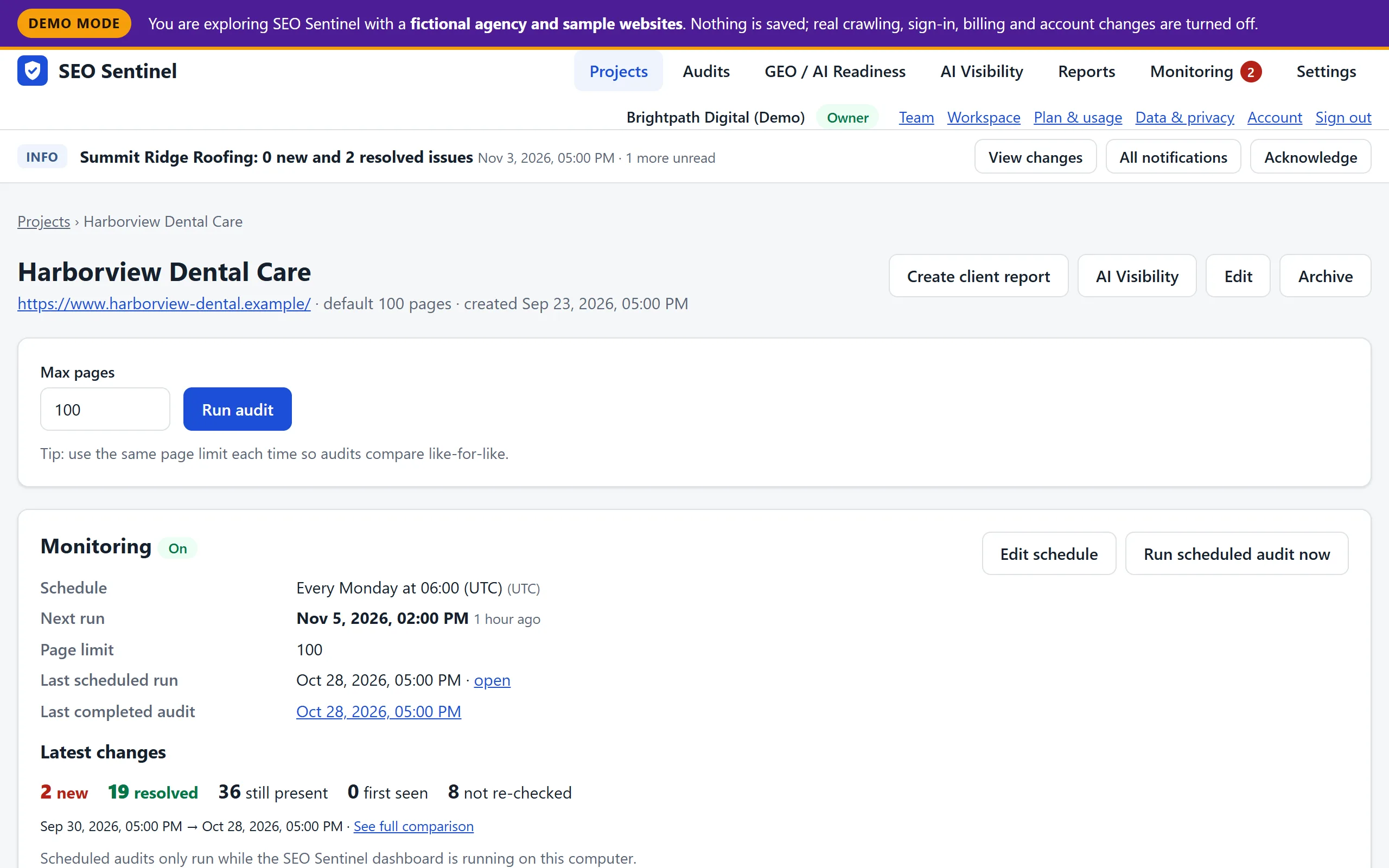
An issue’s identity is its type plus the affected, source and target URL. Each one lands in exactly one group:
| Group | Meaning |
|---|---|
| New | Found in the newer audit, and the older audit checked the same thing and it was fine. These are regressions. |
| Resolved | Found in the older audit; the newer audit re-checked it and it’s gone. |
| Still present | Found in both audits. |
| First seen | Found on pages the older audit never checked, for example after raising the page limit. Not counted as new. |
| Not re-checked | Found in the older audit, but the newer audit didn’t check it again (page not crawled, or it now redirects). Not counted as resolved. |
The comparison also explains anything that limits it: different page limits, cancelled audits, limits being reached, and URLs crawled by only one audit. It lists URLs whose HTTP status improved or regressed, and warns when check settings changed between audits.
There is deliberately no overall health score. A score that goes up when a crawl reaches fewer pages would reward the wrong thing.
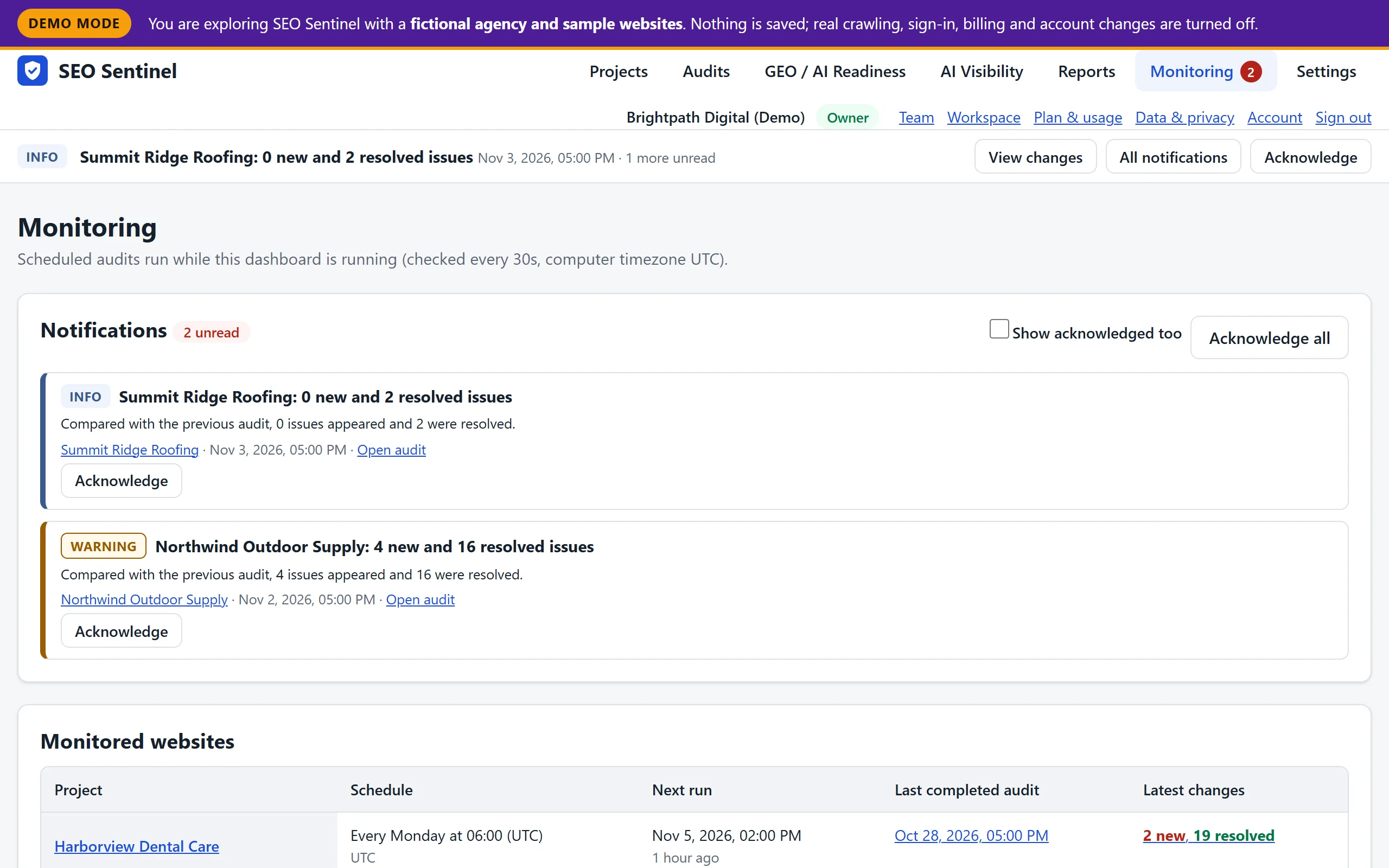
Scheduled audits create notifications in the dashboard:
The Monitoring page lists every monitored website with its next run and latest changes, and an activity log records every schedule change, start, completion, failure and missed run.
How to compare two technical SEO audits fairly: like-for-like crawl settings, stable issue identity, new vs resolved vs not re-checked, and coverage changes.
A step-by-step technical SEO audit checklist: crawl setup, status codes, indexability, canonicals, sitemaps, internal links, structured data and hreflang.
Find broken internal links with a crawl, separate real 404s from fetch failures, group them by destination and prioritise by linking pages and click depth.
Open a fictional client project to see its schedule, notifications and a full audit comparison.
SEO Sentinel is in private beta. Nothing is for sale yet and no card is ever requested.