Technical SEO audit checklist: a practitioner’s workflow
A step-by-step technical SEO audit checklist: crawl setup, status codes, indexability, canonicals, sitemaps, internal links, structured data and hreflang.
SEO Sentinel crawls a client site and reports what it found, how sure it is, and which root cause to fix first, across seven categories of checks.
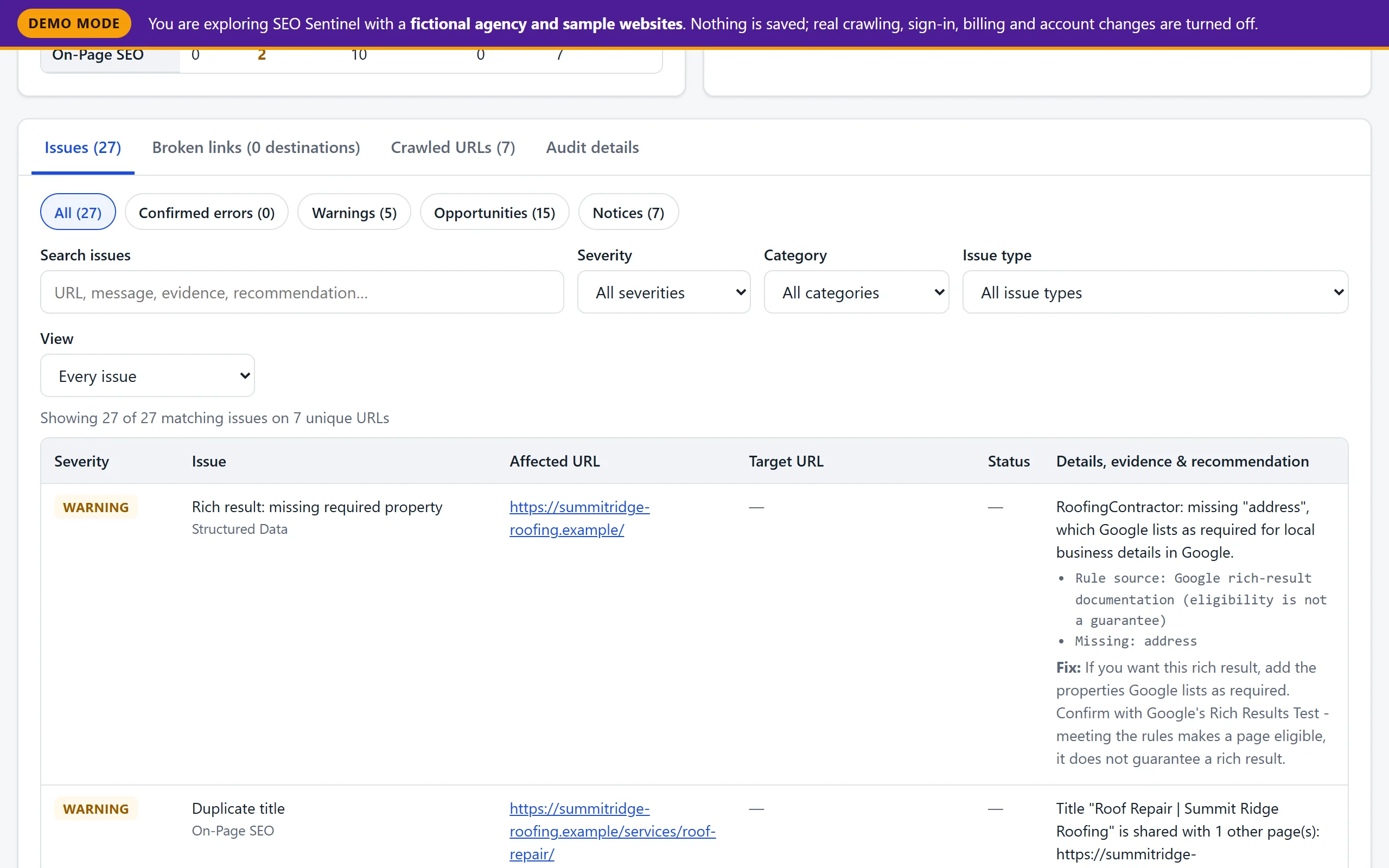
Each issue lists the evidence it is based on (“Title length: 72 characters”, the parser error, the rule source) and a recommendation written for whoever will fix it. Structured-data findings say which rulebook they come from: JSON syntax, Schema.org, or Google’s rich-result documentation.
Grouped by root cause. The same broken menu link on 300 pages is one fix, not 300 problems. View → Grouped by root cause shows unique URLs and occurrences per cause, so you start with the template change that clears the most pages.
Seven categories. Thresholds such as title length, click depth and thin-content word count are adjustable per client, and each report records the values it used.
X-Robots-Tag noindexLink header@context, @type, URL/date/number formats, conflicting @idsen_US, en-UK)alt attributes (empty alt="" is only a notice: correct for decorative images)| Severity | Meaning |
|---|---|
| Confirmed errors | Verified problems: broken pages, links, images or canonicals; invalid JSON-LD; broken hreflang pairs. |
| Warnings | Likely problems, or problems that couldn’t be fully confirmed. |
| Opportunities | Advisory improvements based on thresholds you can change per client. |
| Notices | Informational and often intentional, such as a canonical pointing to another URL. |
“Opportunity” thresholds are rules of thumb, not Google requirements. A 65-character title is not an error.
Every crawled page gets a status (indexable, non_indexable or unknown) with reasons such as an HTTP error, redirect, noindex or a canonical pointing elsewhere. URLs blocked by robots.txt are never fetched and are counted separately.
“Technically indexable” means nothing on the page prevents indexing. Only search-engine data, such as Google Search Console, can confirm what is actually indexed, and SEO Sentinel never claims otherwise.
Inlink counts, return links and canonical targets depend on which pages were crawled. When an audit hits its page limit, the report says so, and targets that weren’t crawled are labelled “not verified” instead of guessed.
Content-Length header for size.A step-by-step technical SEO audit checklist: crawl setup, status codes, indexability, canonicals, sitemaps, internal links, structured data and hreflang.
Find broken internal links with a crawl, separate real 404s from fetch failures, group them by destination and prioritise by linking pages and click depth.
The canonical tag problems that matter: conflicts, canonicals to redirects, 404s or noindex pages, chains, header vs HTML mismatches, and what is intentional.
Browse issues, broken-link priorities, crawled URLs and audit details for fictional client websites, exactly as the dashboard shows them.
SEO Sentinel is in private beta. Nothing is for sale yet and no card is ever requested.